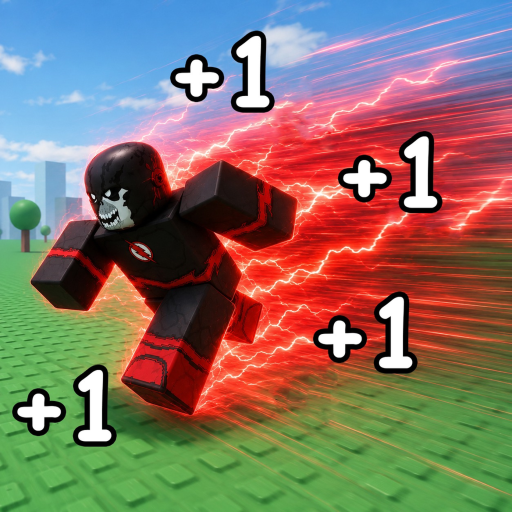
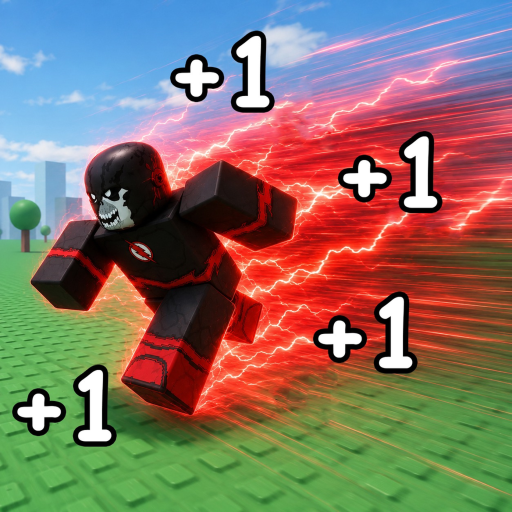
How to Redeem Speedsters Infinite Codes on Roblox
Complete guide to redeeming Speedsters Infinite codes: join REAL_SPEEDSTERS, find the Codes button, avoid level-gated mistakes, and claim free MPH and Gems.
Prerequisites Before Redeeming
Redeeming codes in Speedsters Infinite takes one extra step compared to most Roblox experiences. The REAL_SPEEDSTERS team gates every promo code behind Roblox group membership to grow their community and reward engaged players. This is not optional — codes will not work until your account shows as a REAL_SPEEDSTERS group member.
Start by visiting the REAL_SPEEDSTERS group page on Roblox and clicking Join Group. Approval is instant for public groups. Favorite the Speedsters Infinite game page while you are there; developers occasionally reward favorites with bonus codes during milestone events. Launch Speedsters Infinite only after your membership registers — sometimes a quick Roblox home page refresh helps if the group join was recent.
Check the active codes list and note level requirements before redeeming. RELEASE has no gate. SPEEDSTERS2026 needs level 100. FREEBOST needs level 200. Redeeming early wastes one-time rewards permanently.
In-Game Redemption Steps
Once you load into a Speedsters Infinite server, locate the Codes button on the right edge of your screen. It sits among the other UI shortcuts near the shop and settings icons. Tap or click it to open the redemption popup with an ENTER CODE text field and a green Claim button.
Copy a code from our code copier or type it manually with exact capitalization. Press Claim. Successful redemptions show a reward notification and immediately update your MPH or Gem total. If nothing happens, do not spam the button — read the error text if shown, then consult our troubleshooting guide.
On PC, keyboard and mouse players can paste with Ctrl+V into the text field. Mobile players should long-press the field and select paste. Console players using Roblox on Xbox or PlayStation need to use the on-screen keyboard carefully — capital letters matter for every character in codes like SPEEDSTERS2026.
After Redeeming — Smart Spending
Gems from RELEASE should fund your first Title multiplier before cosmetic purchases. Titles with MPH gain bonuses accelerate every future run and Rebirth cycle. Permanent MPH from SPEEDSTERS2026 stacks with Title bonuses — check your stats panel to confirm both apply.
Temporary FREEBOST multipliers expire after ten minutes. Start a focused farming route immediately after claiming. Run in straight lines across open procedural terrain, collect visible Gems along your path, and queue a race if one appears nearby. When the boost ends, your base MPH remains — only the multiplier drops.
For broader progression context after redeeming, read our beginner progression route and how to get Gems guide. Codes are a head start, not a substitute for learning Rebirth timing and race mechanics.
Frequently Asked Questions
How long after joining the group can I redeem?
Usually instant. If codes fail immediately after joining, wait sixty seconds, rejoin Roblox, and enter a fresh Speedsters Infinite server.
Where is the Codes button on mobile?
On the right side of the screen in the main HUD, same as PC. Rotate to landscape if buttons feel cramped on smaller phones.
Can I redeem the same code twice?
No. Each code is one-time per account. Alt accounts can redeem separately if you manage multiple Roblox profiles.