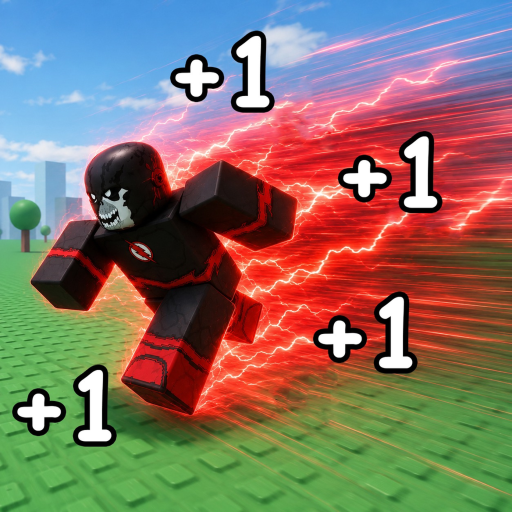
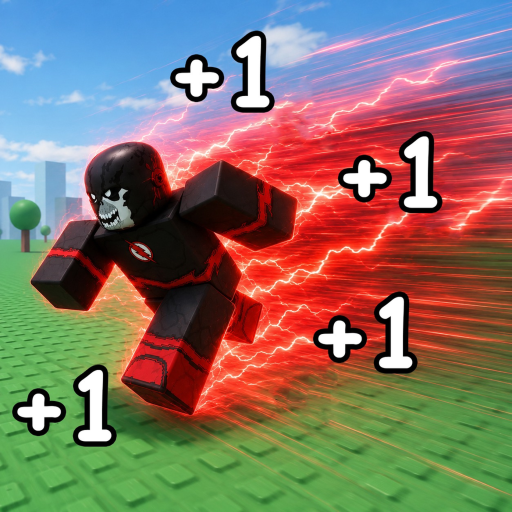
Speedsters Infinite Controls — Full Overview
Every Speedsters Infinite control for Roblox: movement, sprint, mega sprint, UI shortcuts, and platform-specific input references.
Universal Controls
Speedsters Infinite uses standard Roblox locomotion as its base — WASD or thumbstick movement on all platforms. Speed accumulates while you move and decays when stationary, making continuous input the most important "control" in the game. Sprint buttons amplify gain rate during active movement sessions and race starts.
The Codes button sits on the right side of the HUD on every platform. Shop, Rebirth, and race UI elements follow typical Roblox mobile/desktop layouts. New players should spend five minutes in a solo run testing every visible button before entering competitive races.
Platform-specific sprint bindings differ — see our dedicated PC, mobile, and console pages for exact inputs.
REAL_SPEEDSTERS Input Conventions
Based on REAL_SPEEDSTERS sister title Run 122,958 Studs for a Speedster, PC players typically use Shift for sprint and F for mega sprint. Speedsters Infinite shares developer DNA and tag overlap — these bindings likely carry over though Infinite has not published a formal controls list at launch.
Console mappings in the sister game use Y for mega sprint and X for sprint on Xbox controllers. Mobile supports touch movement with on-screen sprint buttons. Test each input in a safe area before races.
Controls and Progression
Mastering sprint timing directly impacts MPH growth and race placement covered in our race guide. Combine mechanical skill with code boosts from the active codes page and Title multipliers from Titles.
New players should complete the how to play guide alongside control practice during the first hour of account creation.
Frequently Asked Questions
Can I rebind keys?
Roblox does not support full rebinds in-experience. Use default Shift/F on PC unless future updates add a settings menu.
Does mobile support sprint?
Yes via on-screen buttons. Landscape mode recommended for larger touch targets.
Where is the Codes button?
Right side of the HUD on all platforms.