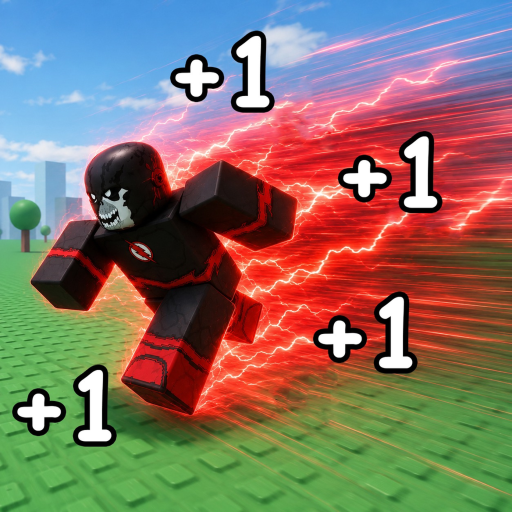
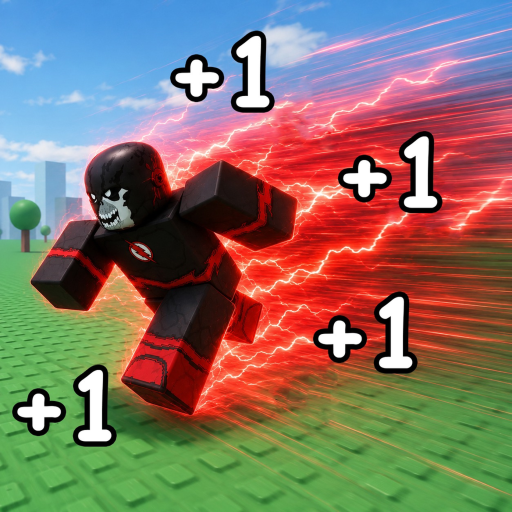
Speedsters Infinite Mobile Controls — Touch Guide
Speedsters Infinite mobile Roblox controls: touch movement, sprint buttons, Codes access, and phone optimization for speed farming.
Mobile Touch Layout
Speedsters Infinite supports mobile Roblox per the developer tag list. Movement uses the virtual thumbstick on the left side of the screen. Camera control uses right-side touch drag. Sprint and mega sprint appear as on-screen buttons — typically right side near other HUD shortcuts including Codes.
Landscape orientation provides larger touch targets for sprint during races. Portrait mode compresses HUD buttons and increases mis-taps during competitive play.
Mobile-Specific Tips
Disable autocorrect when manually typing codes — iOS and Android keyboards autocapitalize and autocorrect in ways that break case-sensitive codes like SPEEDSTERS2026. Use our code copier with clipboard paste instead.
Join REAL_SPEEDSTERS in a mobile browser before launching the Roblox app if group membership fails in-game. Rejoin fresh servers after joining per troubleshooting.
Reduce graphics quality in Roblox settings for stable frame rate during crowded servers. Input lag on mobile loses races more often than raw MPH deficits.
Cross-Platform Reference
PC players use Shift and F — read PC controls to understand what mobile sprint buttons replicate. Console mappings on console controls. Overview at controls hub.
Frequently Asked Questions
Can I redeem codes on mobile?
Yes. Codes button is on the right HUD. Join the group via browser first.
Is mobile viable for leaderboard play?
Yes with practice, though PC mega sprint timing has a mechanical advantage.
Why do sprint buttons disappear?
HUD scaling bugs occasionally follow Roblox app updates. Rejoin the experience.